.png)
Building Agent-Driven Mobile Frontends on React Native, iOS, and Android
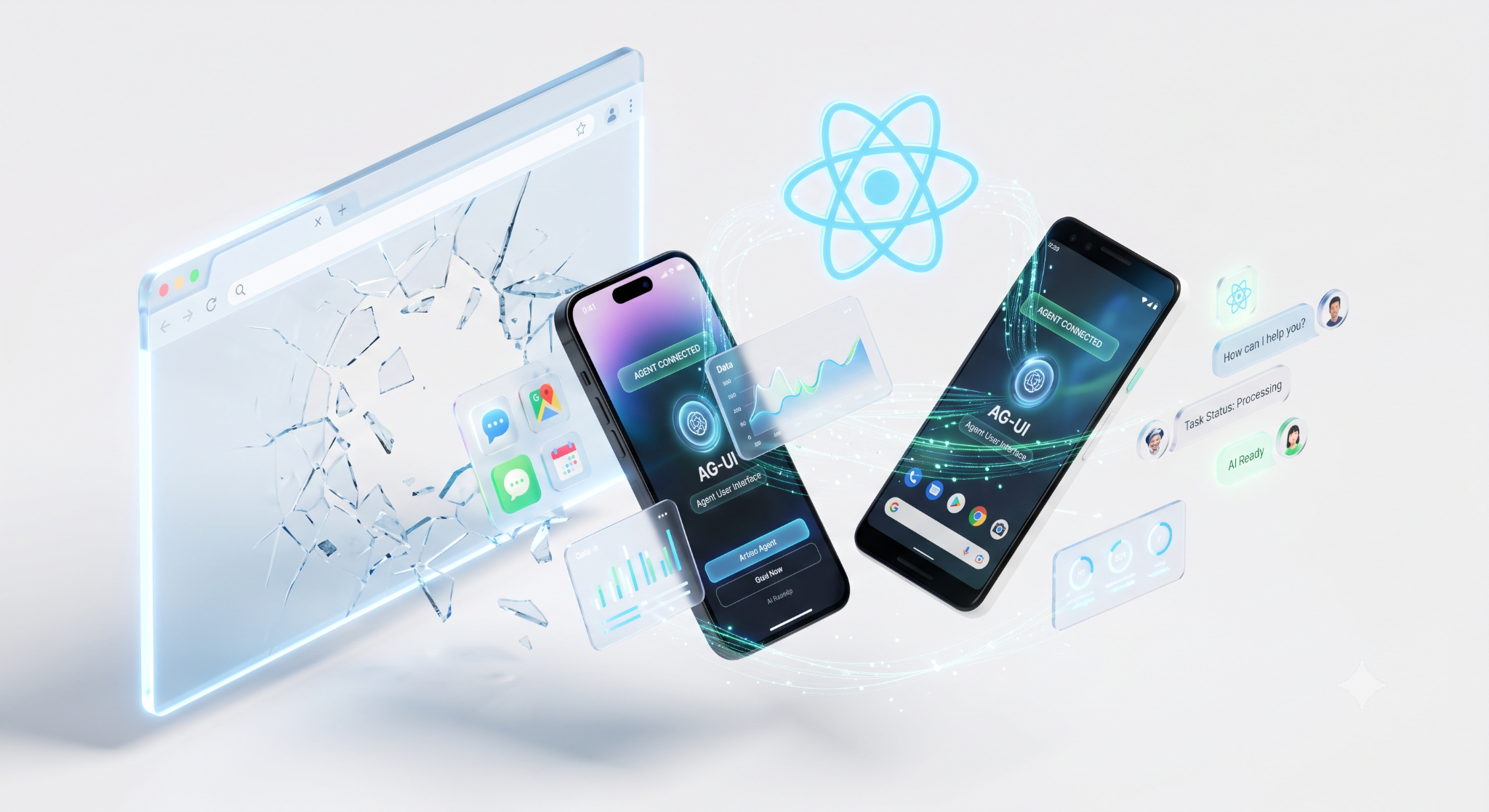
A conventional mobile screen has a contract: request data, wait, render a layout you designed months ago. An agent-driven screen breaks every clause of it.
- The response arrives in pieces, so every component has to look right while half its data is still missing.
- The layout is chosen at runtime, not at build time, because the agent decides which component fits the answer.
- The flow can stop mid-run to ask the user a question, then resume where it left off.
- State moves in both directions, since the agent writes to the same objects the user is editing.
The four patterns that replace the static screen
Almost all agent-driven UI work reduces to four patterns. Build them once and reuse them everywhere.
- Streaming text. Token deltas rendered as they arrive. The engineering cost is not the stream; it is the list: naive re-renders on every delta will drop frames on mid-range Android devices.
- Generative components. The agent picks a component and supplies typed props. You own a finite, versioned catalog: approval card, data table, chart, file preview, and form.
- Interrupts and approvals. The run pauses, asks, and resumes. On mobile this frequently spans an app close, so it has to survive a cold start.
- Shared state. The agent writes into objects your UI is also displaying, and sometimes the user is editing that same object at the same time.
Two design rules follow directly from that list
- Design for a range of outputs, not one screenshot. Sign off on the catalog and the empty, partial, and error states, rather than a single, composed mock.
- Treat refusal and timeout as first-class UI states. They will occur more often than crashes, and an unstyled failure reads as a broken app.
Where the stream breaks on each platform
React Native
- There is no EventSource in the React Native runtime.
- The built-in fetch does not stream by default, so a response that streams perfectly in a browser arrives as a single block on a device.
- The fix is a streaming fetch polyfill or an RN-aware SSE (Server-Sent Events) client. Verify on a real device, because the simulator and Expo Go can mask the behavior.
iOS
- Backgrounding suspends the process. Apple's developer support supports standard background execution.
- A multi-step agent run takes 40 to 120 seconds, so the collision is routine rather than an edge case.
- A progress spinner is exactly what prompts a user to switch apps, which makes this the most common path through your feature, not the rarest.
Android
- Doze and background restrictions throttle network work on a similar timescale.
- Device spread is the bigger issue: on-device models need flagship silicon, so a large share of your install base cannot run them at all.
On-device or cloud, decided per feature
Both platforms shipped credible on-device paths, and the temptation is to pick one for the whole app. Decide per feature instead.
What Apple ships
- The Foundation Models framework exposes the on-device model behind Apple Intelligence through a Swift API, with guided generation for typed Swift structs, streaming snapshots, and tool calling.
- Streaming snapshots matter more than they sound: you receive partially populated structs over time, which is exactly the partial-state rendering problem solved at the framework level.
- WWDC 2026 extended it into a single API covering the on-device model, Private Cloud Compute, and third-party providers, so the call site stays the same when you change where inference happens.
What Google ships
- ML Kit's GenAI APIs sit on top of AICore and Gemini Nano, covering summarization, proofreading, rewriting, image description, and a prompt API for custom cases.
- Google I/O 2026 added structured output, prefix caching to cut inference time, and a production path to Gemini Nano 4.
- Because AICore shares one model across apps, you avoid shipping or downloading your own weights.
Building the Future of Intelligent Interfaces
At Tweeny, we don’t just build mobile apps; we architect the interfaces that bring generative agents to life. We specialize in the critical engineering layer that sits between powerful AI models and the mobile device, solving the complex challenges of real-time streaming, state reconciliation, and interrupted execution. Our mission is to bridge the gap between backend agentic capabilities and user-facing experiences, ensuring seamless, high-performance interactions on both iOS and Android.
We believe the next generation of mobile experience is not static but dynamic and intelligent. By mastering platform-specific constraints from OS backgrounding and network throttling to on-device model optimization, we empower organizations to deploy reliable, fluid agentic flows. Our team turns complex AI outputs into intuitive user journeys, ensuring that your application is not only intelligent but fundamentally robust and responsive to the user’s needs.
Architecting for the Agent-Driven Future
Partial-state rendering, component catalogs, interruptible flows, and state reconciliation are now fundamentally frontend concerns rather than backend ones. Your architecture will ultimately be shaped more by OS suspension limits, streaming primitives, and hardware fragmentation than by your model choice. To manage this, focus on essential infrastructure: log events, track cursors, and ensure replayability upon app foregrounding. Beyond this foundation, implement runtime capability checks and maintain cloud fallbacks for broader device support. Finally, remember that quality is defined by the user experience: actionable notifications, clear progress indicators, responsive controls, and a robust cancel mechanism are what truly distinguish your application.



Explore more blogs

Building intelligent products, modern web platforms, and custom digital experiences.